For exhibition organisers
Introduce the gallery at reception and in shared spaces; agree screens and moderation beforehand.
Exhibitions · conferences · stands
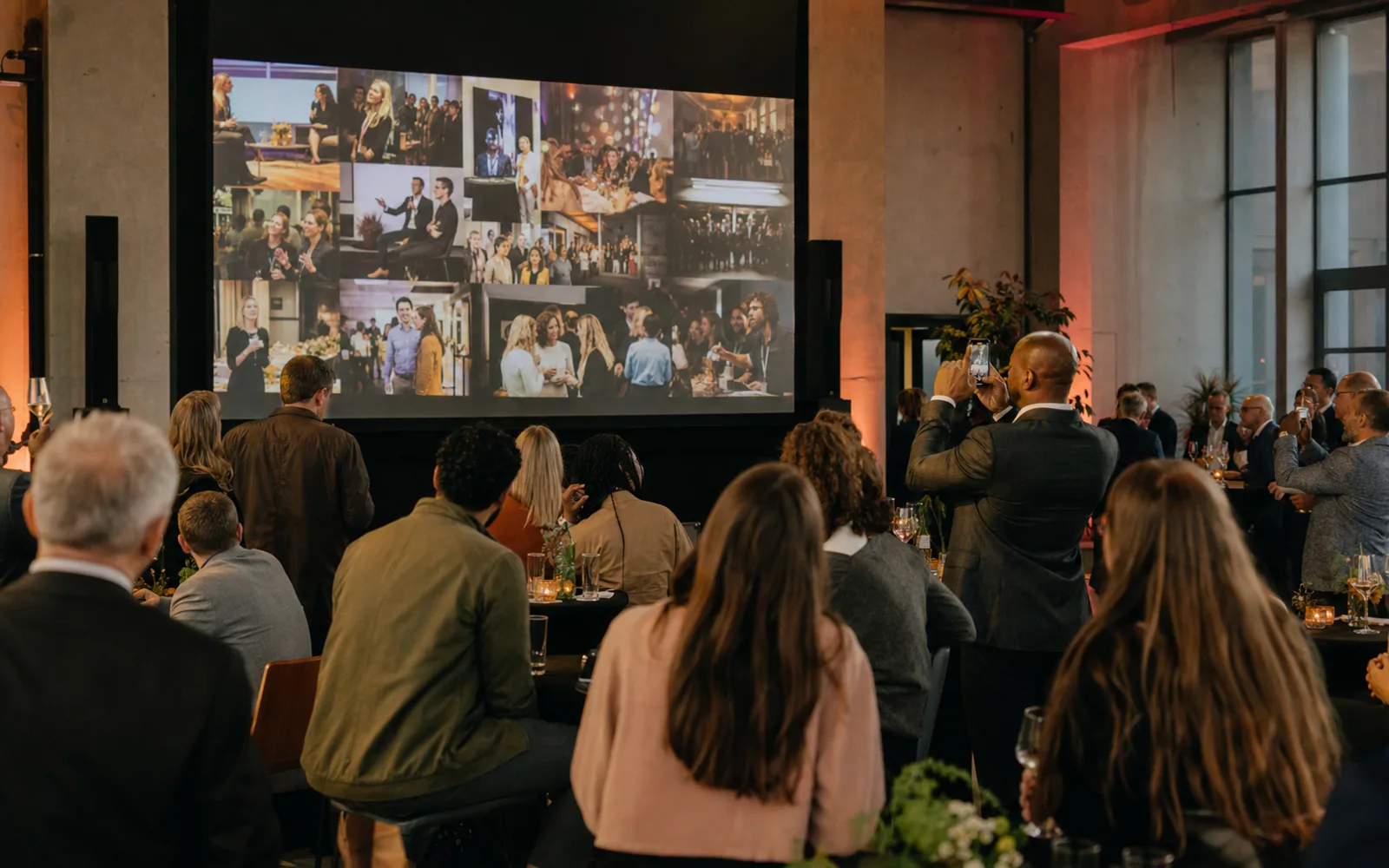
Collect their photos by QR code and bring permitted images together on a live screen. For the whole-event organiser and the exhibitor with an individual stand.
Organisers bring the event together. Exhibitors offer a specific photo activity. Choose the approach that supports your goal.
Introduce the gallery at reception and in shared spaces; agree screens and moderation beforehand.
Invite visitors to take a photo at your stand and share it through the QR. No dedicated camera installation needed.
Let delegates share moments from breaks and conversations. Match the display to your programme.
On tables, at the entrance or beside the screen: give visitors a clear invitation to join in.
They open the gallery on their phone and share their photos. No app installation needed.
With a suitable package, permitted photos appear on the live photo wall. The gallery is the place to view them again.
Exhibitions · conferences · stands
Include the venue, date, expected visitor numbers and what you want to show on screen. We will review the setup and package that fit.
After your request, we discuss your needs. You receive a proposal per event; setup follows the agreement in the quote.
No. Visitors open the event gallery in their browser using a link or QR code. Access follows the event settings.
No. You provide a suitable screen or projector and internet. The live photo wall requires a paid package with screen access; the number of screens is agreed beforehand.
Include branding, sponsor placements and moderation in your request. The agreed Business options, setup and price are specified in the quote.