How Snap-e works, from QR code to photo album
Snap-e brings all your guests’ photos together in one album that works in the browser. You create an event, share a QR code or link, and guests add their photos from their own phones. Here is what happens, for your guests and for you as the host.
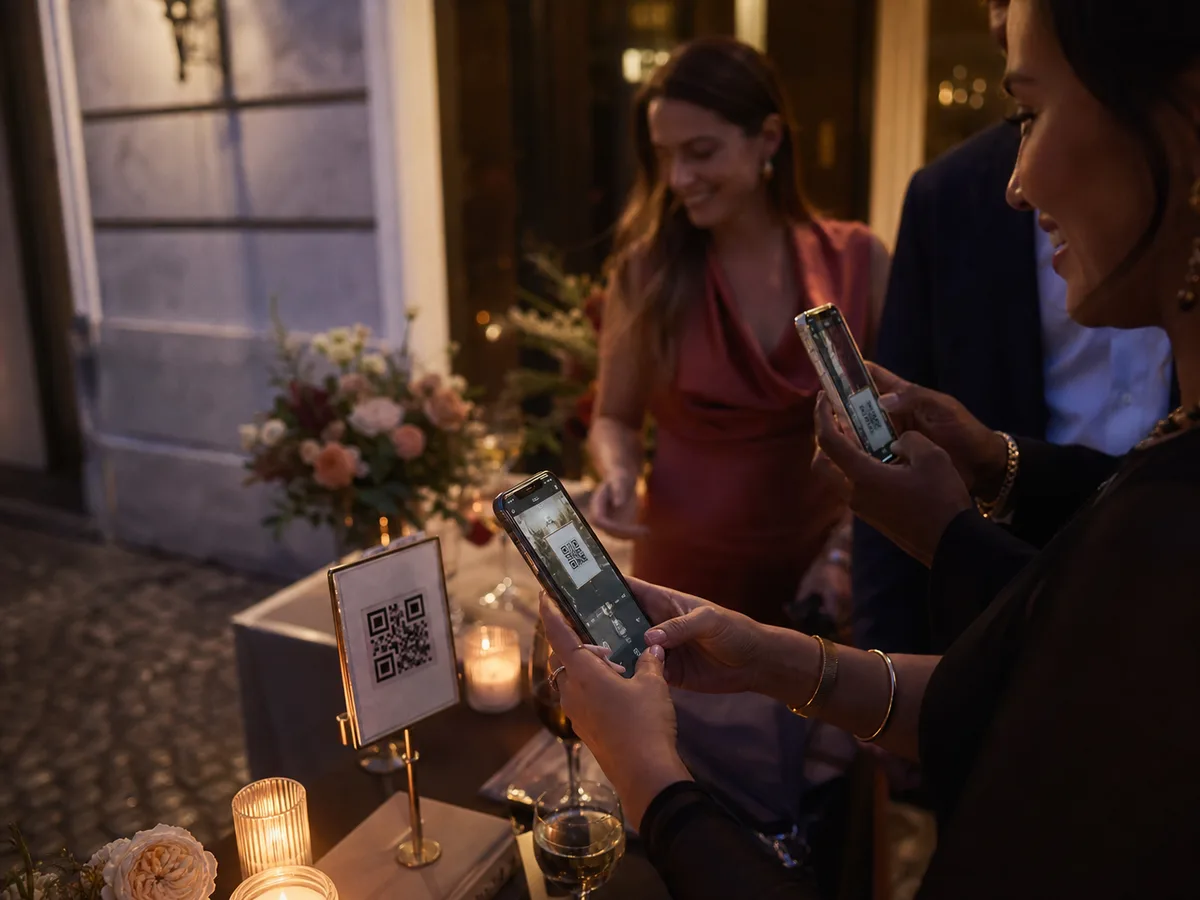
In five steps
Create your event
Give your event a name and a date and choose a package. You can start for free with Cosy and switch to Fancy later if you want more guests, video or the live photo wall.
Share the QR code or link
In your dashboard, download the QR code or a print-ready table card. Put the code on the tables, at the entrance or on the invitation, or send the link in a message.
Guests join in their browser
Guests scan the code and open the album in their phone’s browser, with no app. By default they enter their name and email address and confirm a code sent by email. You set the access rules in your settings.
Photos appear in the gallery and on the live wall
Every shared photo lands in the shared gallery. With Fancy, you also show the photos live on a screen, TV or projector, on up to 3 screens at once.
Download the album before the archive expires
After the event the gallery stays online for a while: 7 days with Cosy, 30 days with Fancy. Download the album in that period to keep your own copy.
For guests
Guests only need their phone and an internet connection. They scan the QR code, join in the browser and pick the photos they want to share, including ones they took earlier in the day.
In the gallery they see what other guests share. With Fancy they can also share videos and respond to photos with reactions and comments.
For the host
You manage everything from your dashboard: the QR code and table cards, the access settings, the guests and the photos. Inappropriate photos are filtered automatically before they appear publicly, and you can hide or remove photos yourself and block a guest.
With Fancy you run the live photo wall, can approve photos before they reach the screen and show slides or messages between the photos. After the event you download the album.
Frequently asked questions
Do guests need to create an account?
Guests don’t install an app. They join in their browser: by default with their name, email address and a confirmation code sent by email. You can make access more open or stricter, depending on your package.
How long can guests share photos?
As long as your event is active: 4 hours with the free Cosy package and 72 hours with Fancy. After that the gallery stays online for 7 or 30 days to view and download.
Do guests need Wi-Fi?
Guests need internet access to join and share photos, through mobile data or Wi-Fi. Check the coverage at the venue beforehand; a QR code doesn’t provide a connection.
Can I try Snap-e first?
Yes. Create an event for free with the Cosy package and test joining and sharing photos yourself. You can switch to Fancy afterwards.
What happens to the photos after the event?
The online gallery is temporary. After the event it stays available for 7 days (Cosy) or 30 days (Fancy). Download the album in that period if you want to keep your own copy.