Cookie settings

Choose per purpose. Everything optional stays off until you turn it on. Your choice lasts 6 months and you can always change it.

Necessary
Staying signed in, protection against forged forms and remembering this choice.
Always on
snap_e_session · sessionXSRF-TOKEN · sessionfe_consent · 6 monthsremember_web_* · 400 days
We see which pages help visitors and where they get stuck, so we can improve Snap-e. Statistics services count your visits with a random ID; which ones, see ‘Choose per purpose’.
View 2 services
ServiceProviderCookies · retentionPrivacy
Google Analytics Google Ireland Ltd. (IE) _ga · 2 years
_ga_* · 2 years
Policy
Microsoft Clarity Microsoft Ireland Operations Ltd. (IE) _clck · 1 year
_clsk · 1 day
Policy
We measure which ads really bring people to Snap-e, so we waste less budget. Advertising partners such as Meta recognise your browser and may also use this for their own purposes and outside the EU.
View 1 service
ServiceProviderCookies · retentionPrivacy
Meta Pixel Meta Platforms Ireland Ltd. (IE) _fbp · 90 days
_fbc · 90 days
Policy

Cookie policy v1 · Controller: Flow-e BV · Cookie policy

Festivals · parties · clubs · beach bars

On the dance floor. And on the screen.

Give visitors an invitation to join in: scan the QR, share a photo and see permitted images on your night’s photo wall.

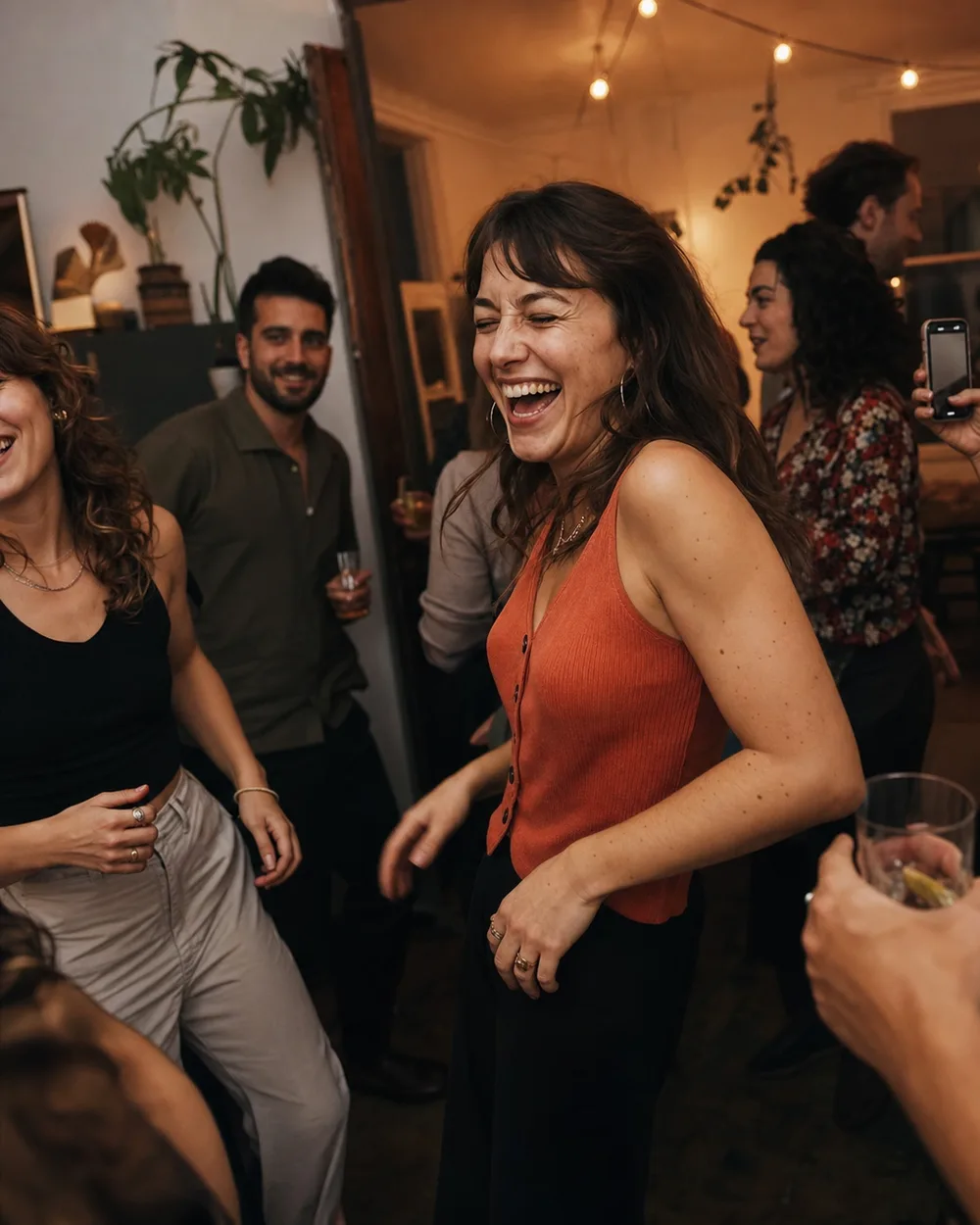
Illustrative event image · explore the demo to see how it works
See the live photo wall

Choose a specific moment and place

A sunset party, student night, themed evening or festival zone: choose where the photo wall adds to the experience and fit the setup to your audience.

Beach bars and clubs

Give a themed night or opening party its own gallery and a visible QR at the bar.

Parties and balls

Let visitors create the evening’s album together. Agree beforehand who monitors the images.

Festivals and sponsor zones

Request a proposal for a focused activation, VIP area or afterparty, including sponsor and moderation requirements.

From a phone to a shared memory

  1. Make the QR visible

    On tables, at the entrance or beside the screen: give visitors a clear invitation to join in.

  2. Invite visitors to upload

    They open the gallery on their phone and share their photos. No app installation needed.

  3. Bring it together on screen

    With a suitable package, permitted photos appear on the live photo wall. The gallery is the place to view them again.

Festivals · parties · clubs · beach bars

Tell us about your event

Include the venue, date, expected visitor numbers and what you want to show on screen. We will review the setup and package that fit.

After your request, we discuss your needs. You receive a proposal per event; setup follows the agreement in the quote.

Tell us about your event and what you need. We will contact you with a tailored proposal.

We use your details to respond to your request and contact you. This does not sign you up for marketing. Privacy policy

Good to know

Do visitors need to install an app?

No. Visitors open the event gallery in their browser using a link or QR code. Access follows the event settings.

Are screens and internet included?

No. You provide a suitable screen or projector and internet. The live photo wall requires a paid package with screen access; the number of screens is agreed beforehand.

Can we include our brand or sponsors?

Include branding, sponsor placements and moderation in your request. The agreed Business options, setup and price are specified in the quote.