The digital disposable camera: every guest photo, no film required
Disposable cameras on the tables are a lovely tradition, but you wait for the prints and every camera holds a single roll of film. A digital disposable camera does the same with the phone your guests already carry: they scan a QR code and every photo lands straight in your shared album.
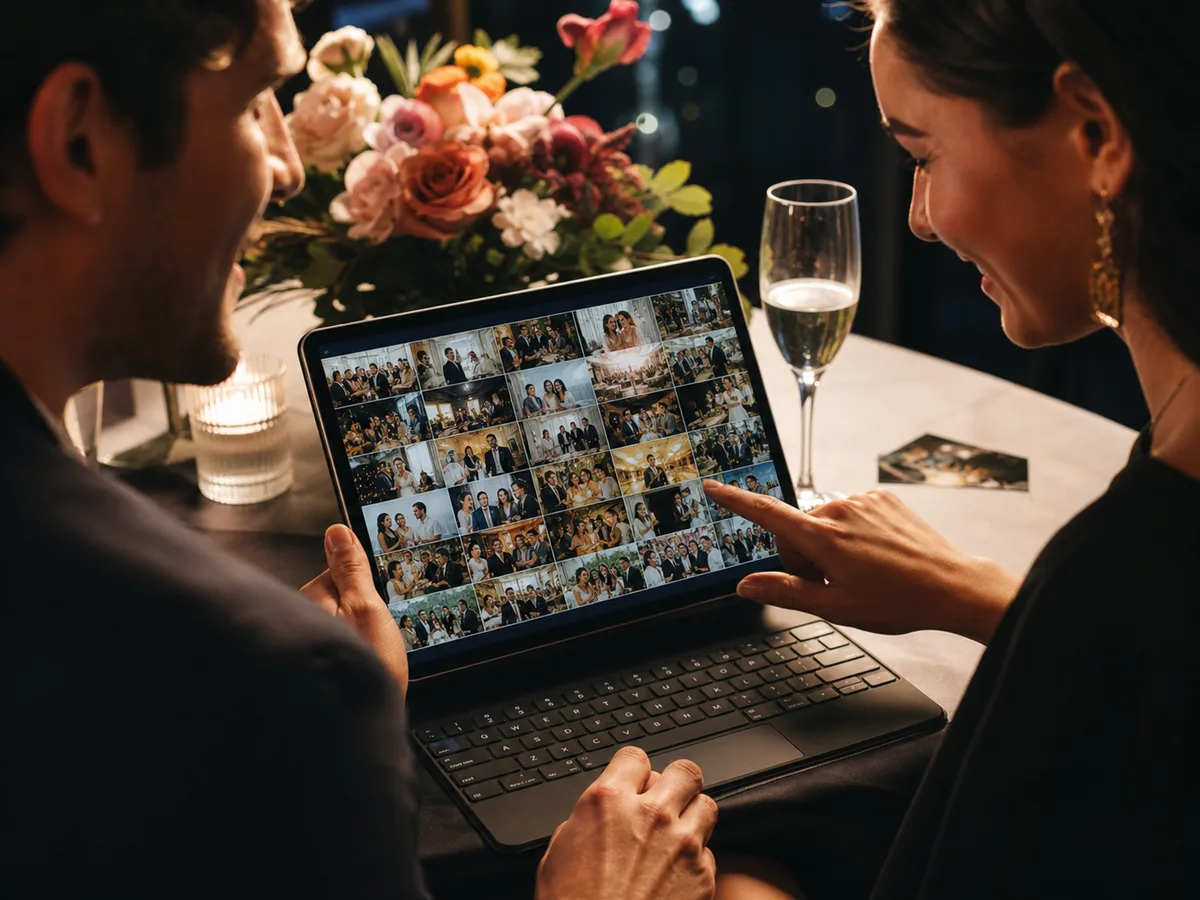
How a digital disposable camera works
Create your event for free
Pick a name and a date on Snap-e. With the free Cosy plan, up to 20 guests share 50 photos between them, for a 4-hour event.
Put the QR code on the tables
Download the QR code or a print-ready table card from your dashboard, and place it where the disposable cameras would have gone.
Guests shoot and upload
Guests scan the QR code and join in their browser. By default, we ask for a name, email address and a code sent by email. They then choose their photos. Access depends on your event settings.
Classic or digital disposable camera?
| Classic disposable camera | Snap-e | |
|---|---|---|
| Seeing the photos | Only after developing | Instantly, during the party |
| Number of photos | Usually 27 per camera | 50 free, up to 2,500 with Fancy |
| Cost | Per camera, plus developing | Free with Cosy, or €139 once for Fancy |
| Quality | Depends on light and film | Their phone camera, at original resolution |
| Sharing with guests | Scan and send them yourself | Everyone sees the album online |
After the party
Nothing to develop or scan. You download the complete album as one ZIP file: watermarked on the free Cosy plan, without a watermark on Fancy.
Tips for more photos
- Add a short line next to the QR code, for example: “You're our photographer today — scan and share.”
- Ask the MC to announce it at the start of dinner.
- Want the photos live on a screen or projector? That's the live photo wall in Fancy.
Frequently asked questions
What is a digital disposable camera?
A shared online album that guests fill with their own phones, the way they used to use a disposable camera on the table. With Snap-e it starts with a QR code, no app needed.
Do guests need to install an app?
No. The QR code opens a web page in their phone's browser. Guests only enter their name and can upload right away.
How much does it cost?
Cosy is free: up to 20 guests and 50 uploads for a 4-hour event, with a watermarked ZIP download. Fancy is €139, paid once: up to 1,500 guests and 2,500 uploads, 72 hours, video, the live photo wall and no watermark.
Can guests share videos too?
Yes, with Fancy. The free Cosy plan is for photos.