A live photo wall for your party: every photo straight onto the big screen
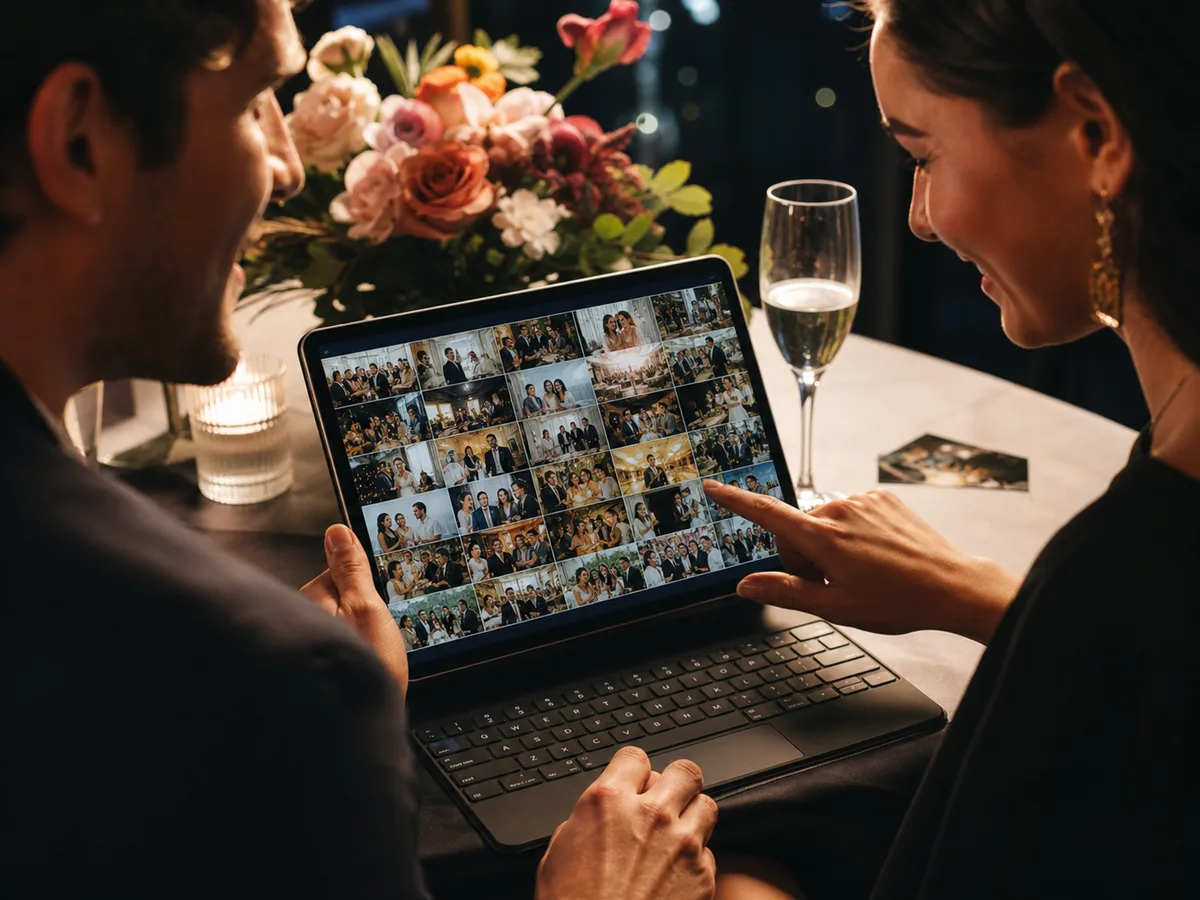
A photo wall doesn't have to be a wall of prints. With a live photo wall, the photos your guests take appear instantly on a screen in the room — and everyone wants to be on it.
How to set up a live photo wall
Create an event with Fancy
The live photo wall is part of the Fancy plan (€139, paid once), which lets you use up to three screens at the same time.
Open the wall on your screen
Open your live screen link in the browser of a TV, a laptop connected to the projector or a tablet, and enter the PIN. That's all it takes.
Guests scan and the wall fills up
A QR code sits in a corner of the wall. Guests scan it, upload with no app, and their photo appears live on screen.
Printed photo wall or live photo wall?
| Printed photo wall | Live photo wall | |
|---|---|---|
| Which photos | Photos you pick in advance | What your guests shoot on the day |
| Preparation | Print, hang, take down | Open a link on a screen |
| During the party | Stays the same | Grows with every new photo |
| Afterwards | A wall of prints | Every photo in one ZIP download |
You decide what goes on the wall
- Inappropriate photos are filtered automatically. Want more control? Turn on approval first, and every photo waits for your OK before it reaches the wall.
- Choose the layout, the tempo and an accent colour that suits your party.
- Show guest names, likes and reactions with the photos — or switch them off.
Frequently asked questions
What do I need for a live photo wall?
A screen with a browser and internet: a smart TV, a laptop connected to a projector or a tablet. You open your live screen link and enter the PIN.
How many screens can run the wall at once?
Up to three screens at the same time, with the Fancy plan.
Can I stop photos before they reach the wall?
Yes. Inappropriate photos are filtered automatically, and with approval first, a photo only appears on the wall once you approve it.
Is the live photo wall in the free plan?
No. The free Cosy plan collects photos in one album; the live photo wall is part of Fancy (€139, paid once).