Share photos and videos at your event with a QR code
At every event guests take dozens of photos, but they usually stay on their own phones. With Snap-e they scan one QR code and share their photos and videos in one shared album. It works for a wedding, a birthday, a party or a corporate event.
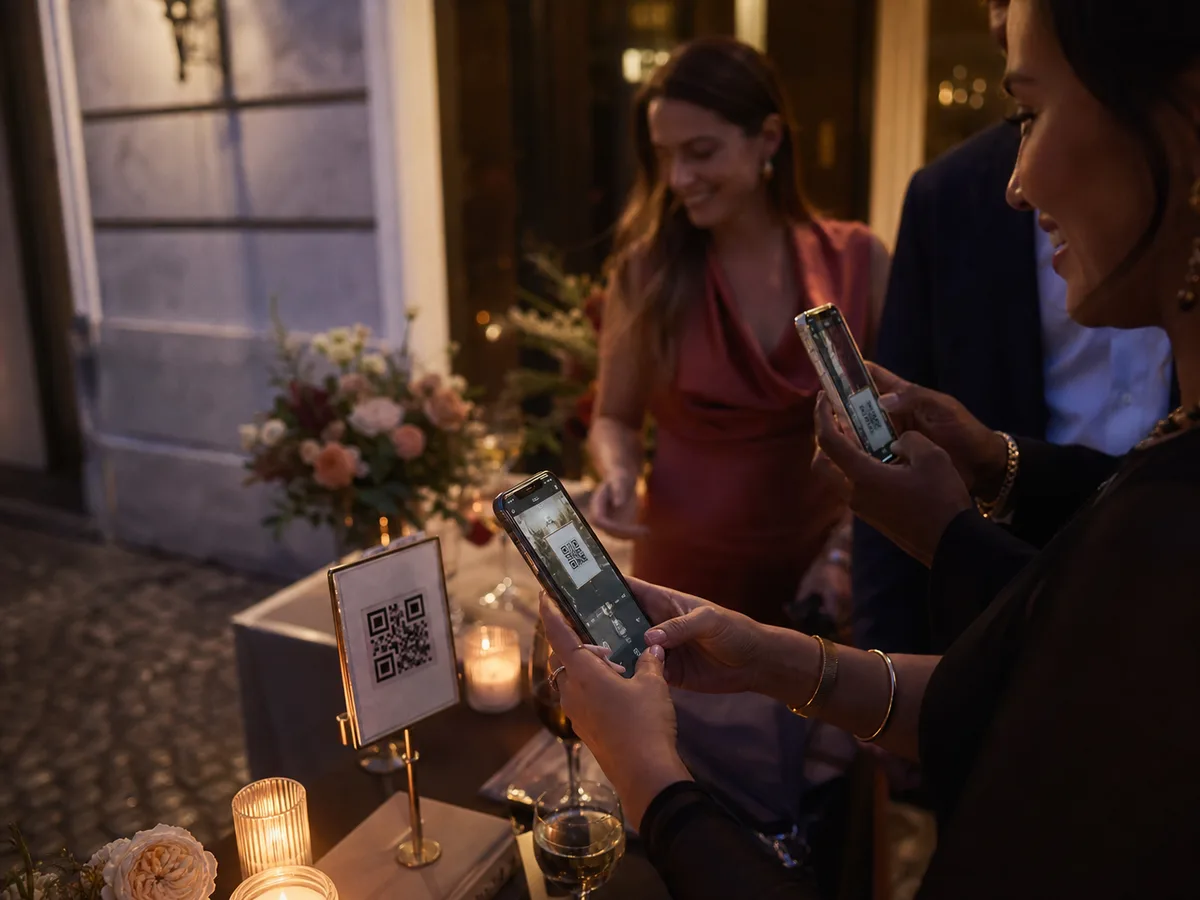
How QR code photo sharing works
Create your event
Create an event for free and download the QR code or a print-ready table card from your dashboard.
Guests scan the code
Guests open the album in their phone’s browser. By default they enter their name and email address and confirm a code sent by email.
Everyone shares in the same album
Guests pick photos from their camera roll or take new ones. Everything lands in the shared gallery and, with Fancy, on the live photo wall too.
WhatsApp group or Snap-e?
| WhatsApp group | Snap-e | |
|---|---|---|
| Joining | Everyone has to be added to the group | Scan a QR code, in the browser |
| Phone numbers | Visible to all group members | Not needed to join |
| Overview | Photos mixed in with messages | One gallery with only photos and videos |
| On a big screen | Not built in | Live photo wall with Fancy |
| Download everything | Save photo by photo | The whole album in one ZIP file |
A chat group is handy for talking. For collecting every photo from an event, a shared album is easier to keep track of.
Where to put the QR code
Put the code where guests pause for a moment: on every table, at the entrance, at the bar or on the invitation. From your dashboard you download the QR code as an image or a print-ready table card.
Add a short line so guests know what the code does. For example: “Scan and share your photos from today.” You can also send the link in a message to anyone who has already left.
What your guests see
After scanning, your event page opens in the browser. Guests join according to your access settings and then land in the shared gallery, where they add photos and see what others share.
Snap-e works in English, Dutch and French, which helps when your guests speak different languages.
Photos, videos and reactions
With the free Cosy package, guests share photos. With Fancy they also share videos and can respond to photos with reactions and comments.
With Fancy the photos also appear live on a screen, TV or projector, on up to 3 screens at once. You can show slides or messages between the photos.
Tips
- Test the QR code beforehand with a few different phones, at the size you will print it.
- Ask someone to mention the QR code briefly during the event. Guests share more when they know about it.
- Check mobile coverage and Wi-Fi at the venue: guests need internet access to share photos.
Frequently asked questions
How do you share event photos with a QR code?
Create an event on Snap-e and put the QR code on the tables or at the entrance. Guests scan the code, join in their phone’s browser and share their photos in one shared album.
Can guests share videos too?
Yes, with the paid Fancy package. With the free Cosy package guests share photos only.
How many photos can guests share?
With the free Cosy package, 50 photos in total, for up to 20 guests. With Fancy, up to 2,500 photos, for up to 1,500 guests.
Can guests see each other’s photos?
Yes. Shared photos land in a gallery that every participant in the event can see. Inappropriate photos are filtered automatically and the host can hide or remove photos.
Is this only for weddings?
No. Snap-e works for any event where guests take photos: weddings, birthdays, parties and corporate events.